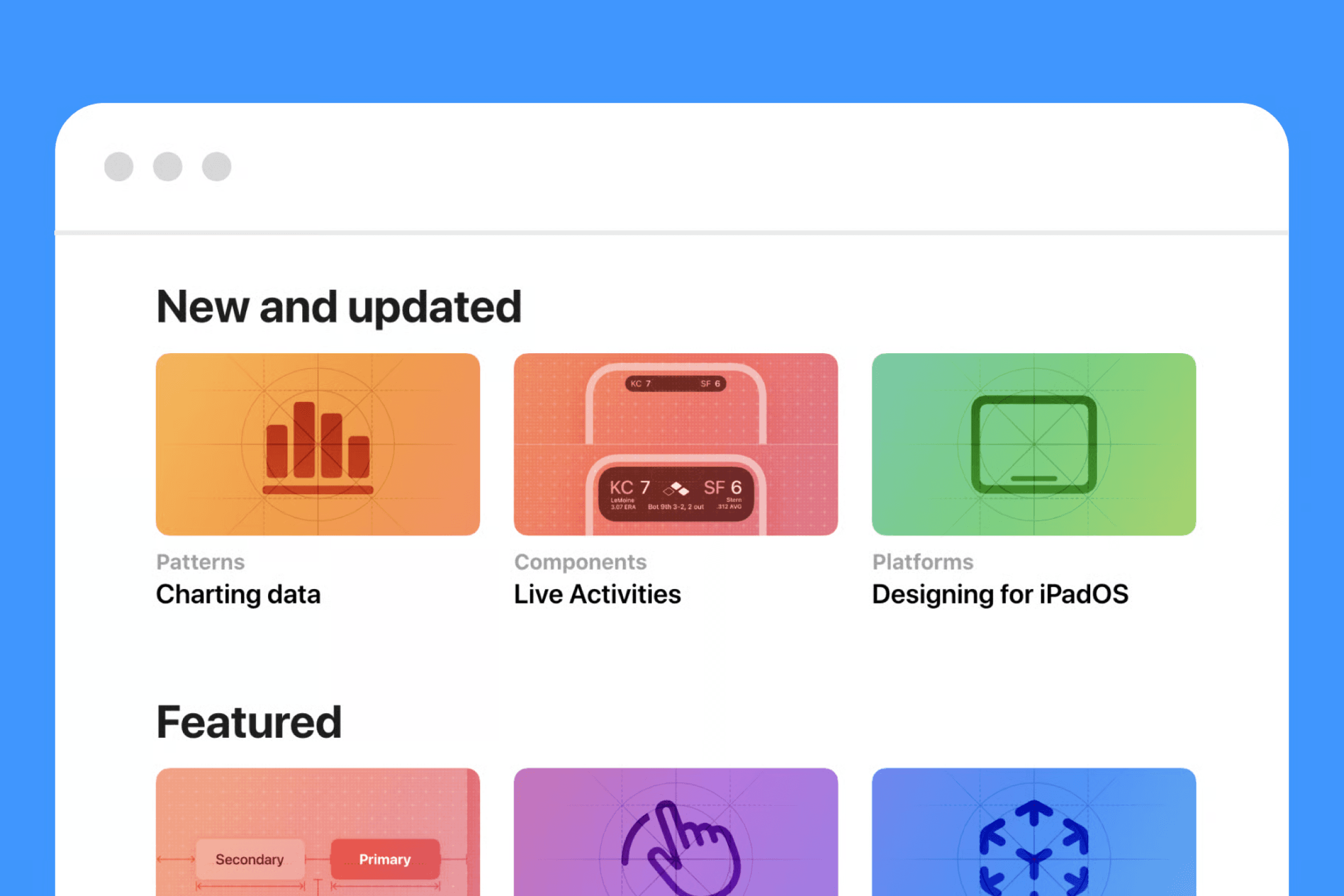
Apple's HIG is the go-to reference for building accessible, platform-consistent interfaces.
Apple’s Human Interface Guidelines (HIG) explain how iOS, macOS, and other Apple platforms handle accessibility features like Dynamic Type, larger text, and color contrast. The “Display and Text Size” related guidance shows how the system lets users change text size and contrast, and how apps are expected to respect those choices. [nadcab]
Why it matters for you:
- It shows how to design text that scales up to 200–300% without breaking the layout, by planning for flexible spacing and responsive components. [developer.apple]
- It provides baseline rules on minimum font sizes and touch target sizes, like a minimum of 44×44 points for tappable elements, which helps people with motor impairments hit targets more reliably. [nadcab]
- It reinforces color contrast requirements, for example a contrast ratio of at least 4.5:1 for regular text and 3:1 for large text, which directly affects readability on bright or small screens. [nadcab]
If you design mobile apps, the HIG is your benchmark. Use it when you decide font scales, button sizes, or how your layout behaves when users choose very large text.