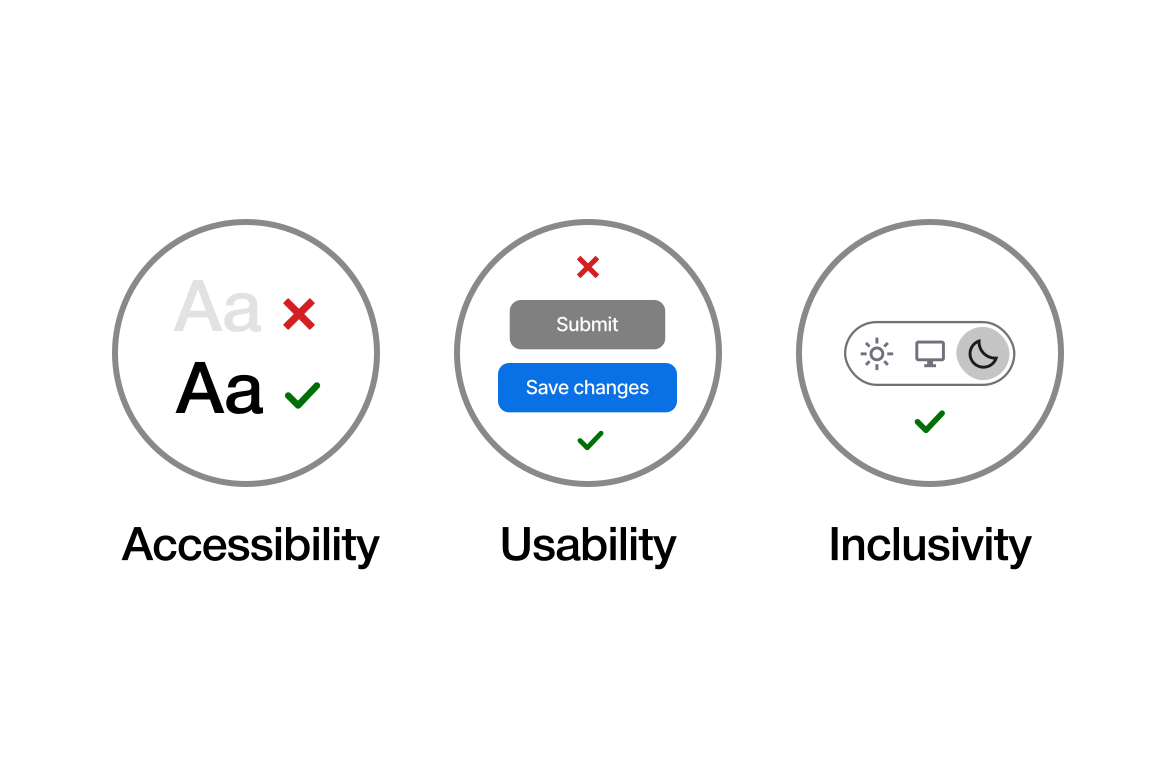
Good design is readable, clearly labeled, and adapts to user preferences
Accessibility, usability, and inclusivity often get mixed up, but they don’t mean exactly the same thing, and understanding their differences is very important:
- Accessibility means to removes barriers so people with disabilities can use a product. It ensures core functions work with tools like screen readers or keyboards.
- Inclusivity means designing for a wide range of human abilities, needs, and contexts from the start, not as an afterthought. It asks, “Who might this exclude?” and builds broader solutions. (This can include culture, language, age, gender, economic background, and more.)
- Usability means to makes things easy and intuitive for everyone. Even an accessible button can confuse users if the flow feels clunky or unclear.
These principles are not mutually exclusive; they overlap to create better designs. Without balancing all three, a product suffers:
- Accessible but not usable: A screen-reader-compatible interface where the navigation logic is confusing and finding the "Submit" button takes 10 clicks.
- Usable but not accessible: A smooth checkout flow with beautiful animations that lacks keyboard support and uses buttons screen readers can’t detect.
- Usable but not inclusive: A clean, intuitive app that assumes every user has a high-speed connection or speaks the primary language, effective for many, but exclusionary to others.
When all three align, products become functional, respectful, and open to everyone.